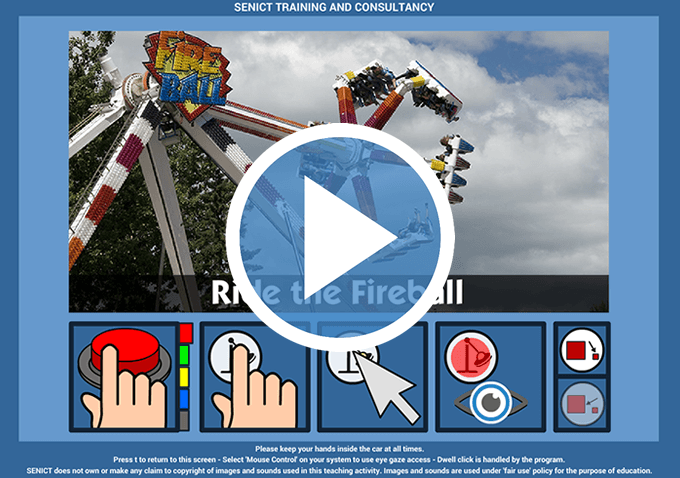


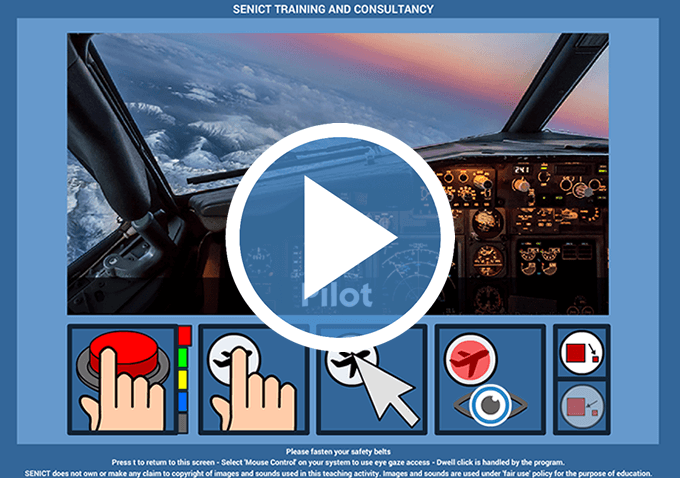
Point of View (POV) activities use video clips to present a 'real world' activity as if you were actually taking part in that activity. For example using a POV activity, a student may experience riding a motorcycle or race horse from the rider's perspective.
These activities work with one or two switches set to send either a <SPACE>, <Enter> or <LEFTCLICK>, any touch-screen or pointing device and with eye gaze systems set to mouse control. Dwell click timing is set to one second by default in all of our activities. Some activities allow you to change this.
Because these activities use video clips, they can be large. To ensure our website runs smoothly for everyone, queued downloads are currently restricted. Please take care to download activities one at a time. Please note, due to their size, these activities are not available to use online.
PD Supporters: These cause and effect activities contribute to progress at the following levels of access skills progression.


Activities in section cover forms of transport.











Activities in this section feature carnival rides such as roller coasters and water slides.